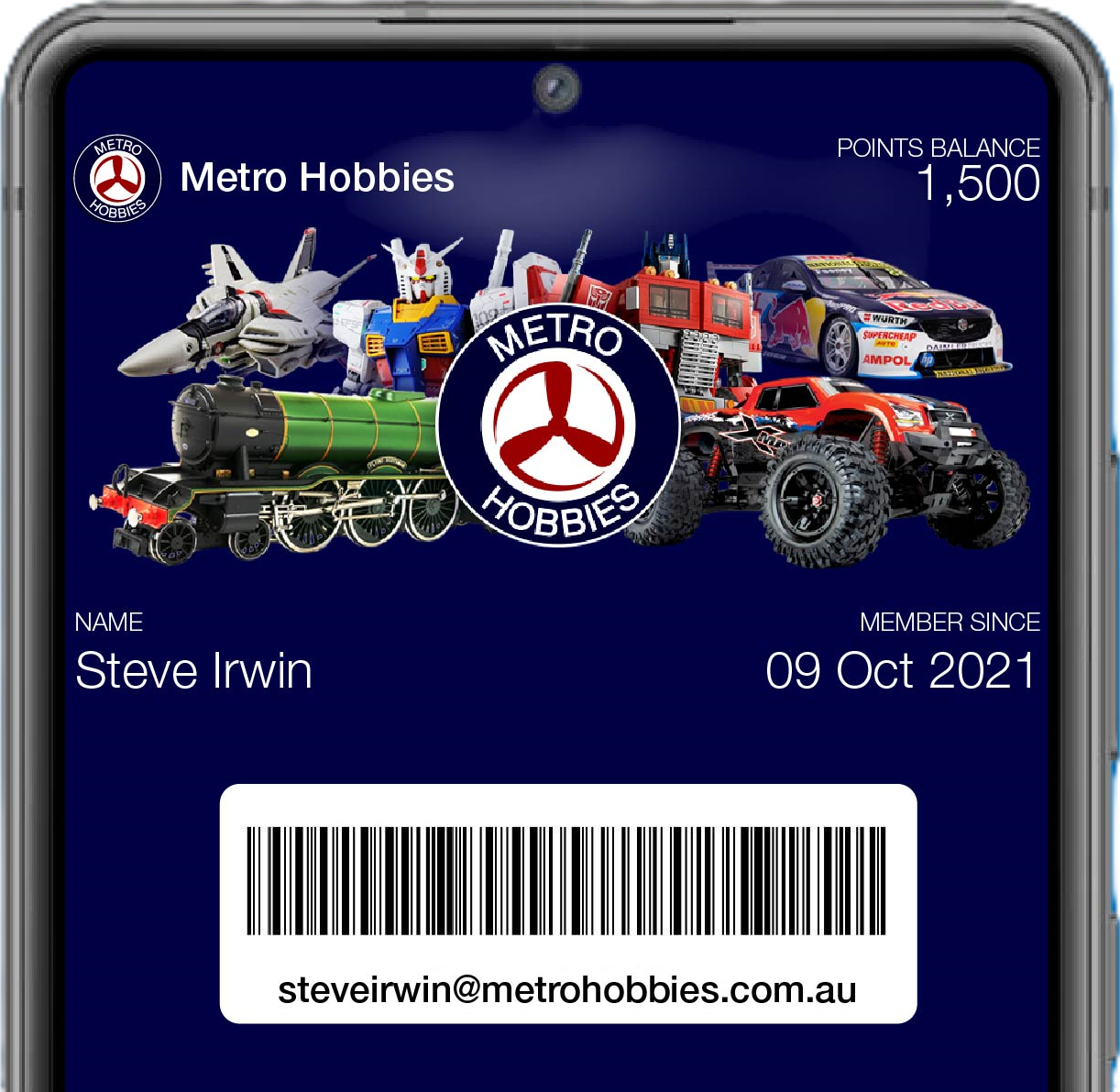
How to add Membership Pass to your mobile walletUpdated 3 months ago
Adding your digital membership card to your mobile wallet helps our team recognise your membership instantly, and it also shows your points balance at a glance, no login needed.
5 Steps to add your Digital Membership Card to your mobile wallet
Step 1: On your smartphone device, visit Metro Hobbies Rewards Portal here
- If you already have an account, tap Sign in
- If new, tap Join now and create your Free Metro Hobbies Account

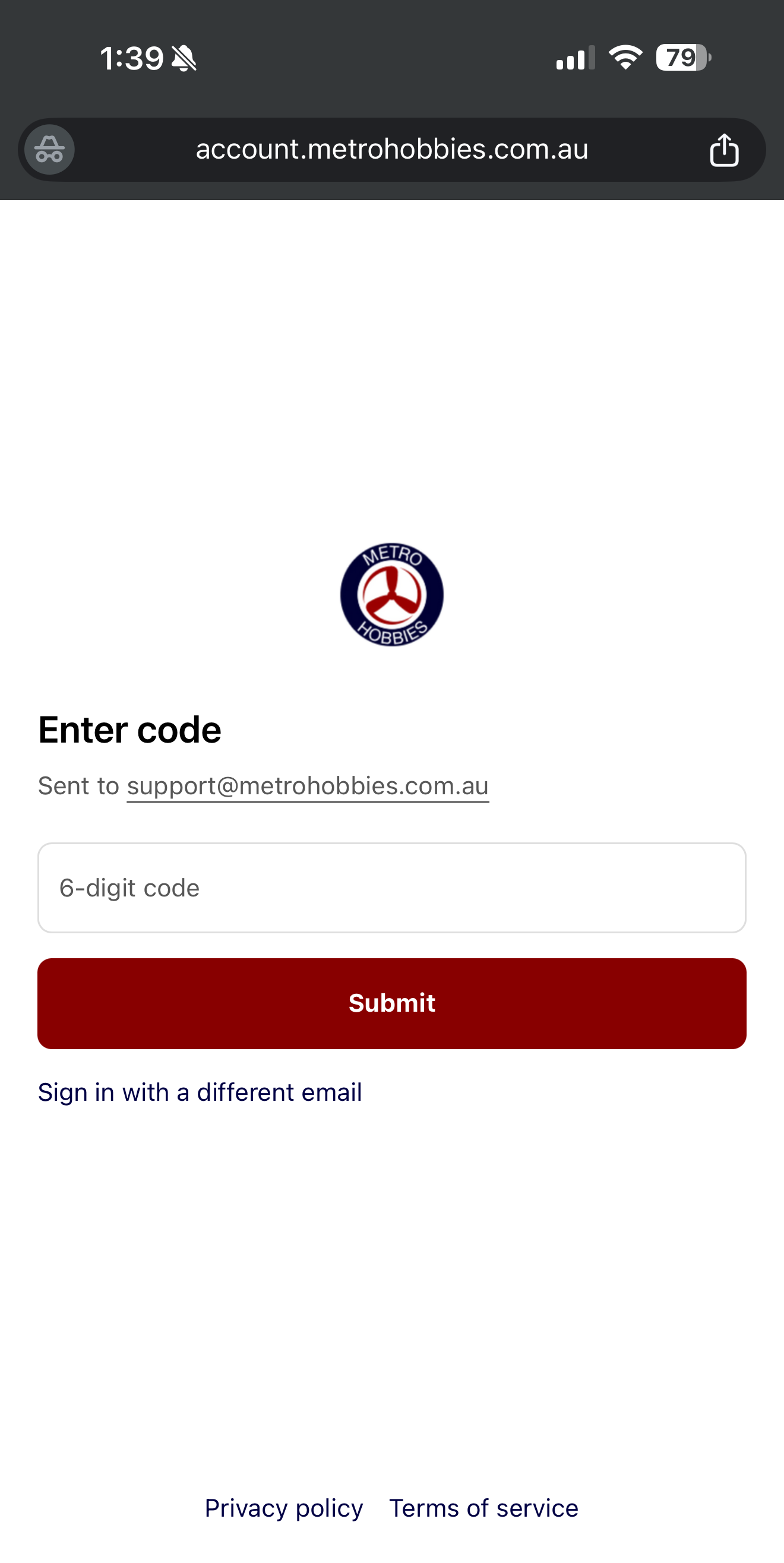
Step 2: You’ll receive a 6-digit code to verify your email, enter that to continue.
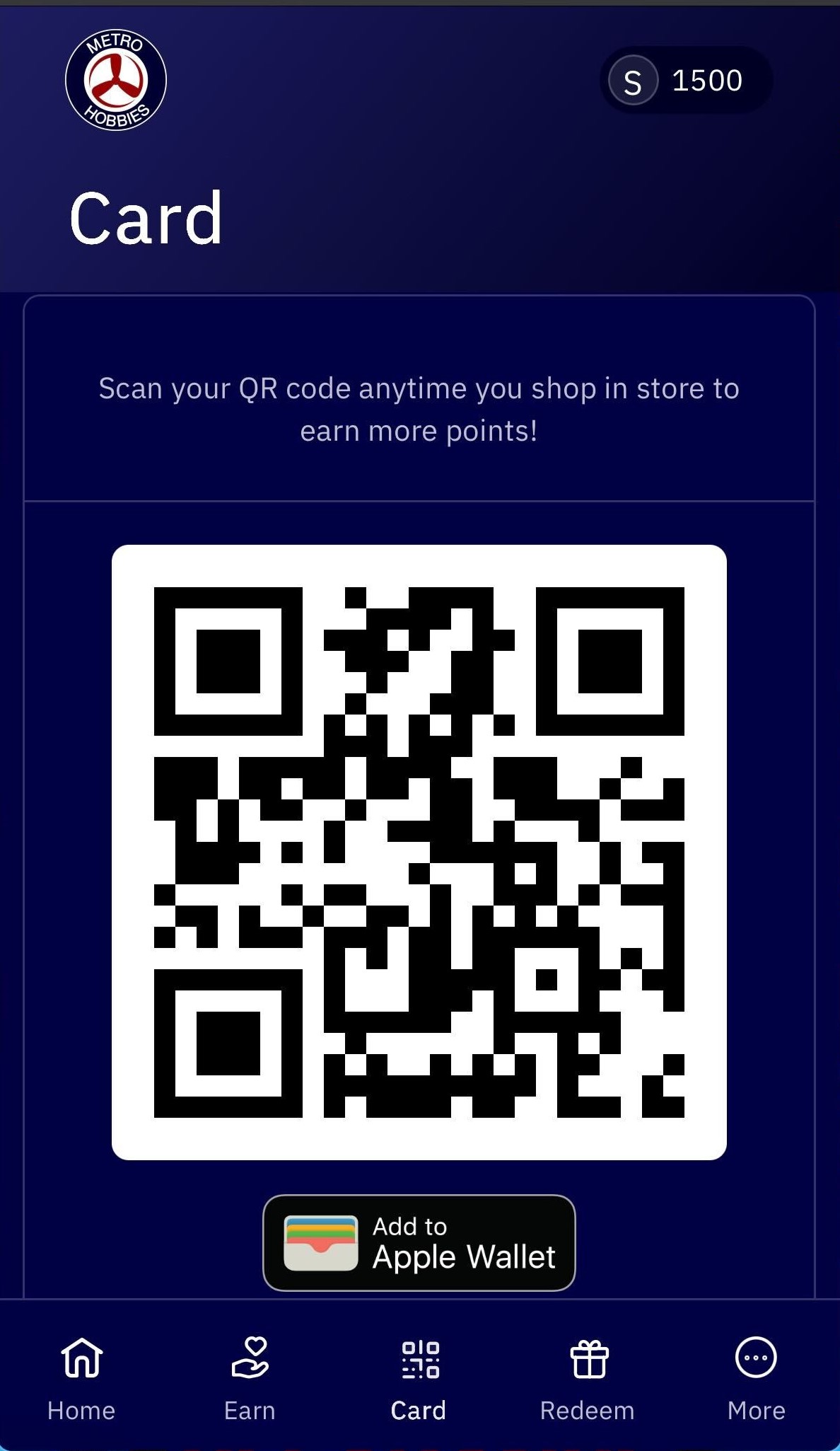
Step 3: Once logged in, go back to the Portal and tap the Card tab at the bottom. you'll see your QR code and points balance
tap "Add to Apple Wallet" or "Add to Google Wallet" depending on your smartphone OS.
Step 4: Your phone will display your Metro Hobbies digital membership card. Tap Add.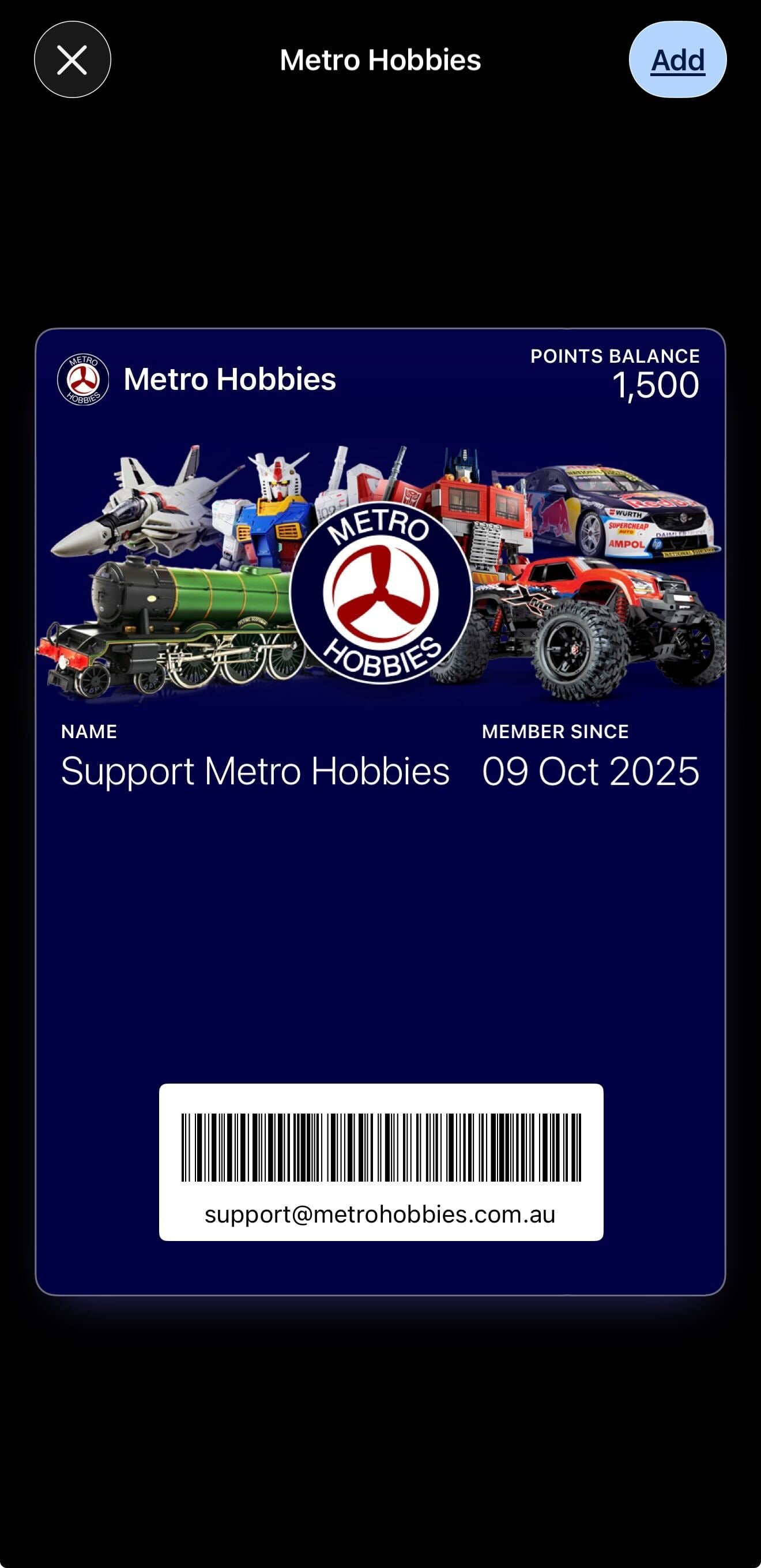
Step 5: Show your digital membership card to our staff prior to paying in store to earn points and redeem rewards when shopping in-store. Points are automatically added when you purchase through the Metro Hobbies website.